
Vendor access management is the process of deciding which outside people can reach your systems, what they can do there, how long they can do it, and how access will be removed. A vendor may need to support a business application, maintain equipment, or troubleshoot remotely. The goal is to enable that work without leaving broad, untracked access in place.
Good third-party access control is a lifecycle, not a one-time approval. It starts with a clear business reason and named users, then continues through permission limits, reviews, and a documented closeout. This creates a practical record for internal security work and can help your organization prepare for questions during an insurance or customer review. It does not guarantee a particular coverage or claim outcome.
Start with the vendor’s purpose and a business owner
Before creating an account or sharing access, identify the work the vendor will perform and the person inside your organization who is responsible for the relationship. The business owner should be able to explain why access is needed and confirm when the work changes or ends.
Describe the task in plain language. “Maintain the accounting application” is more useful than “needs access to IT.” Then identify the specific systems involved and the information the vendor may encounter. Include cloud services, business applications, remote-access tools, network equipment, and any systems administered by the vendor.
Ask whether the vendor’s individual workers, subcontractors, or service accounts will need access. Review access for the actual identities that can sign in, not just the supplier company name. If the vendor’s staff changes, the business owner should know how those changes will be reported and acted on.
Grant only the permissions needed for the work
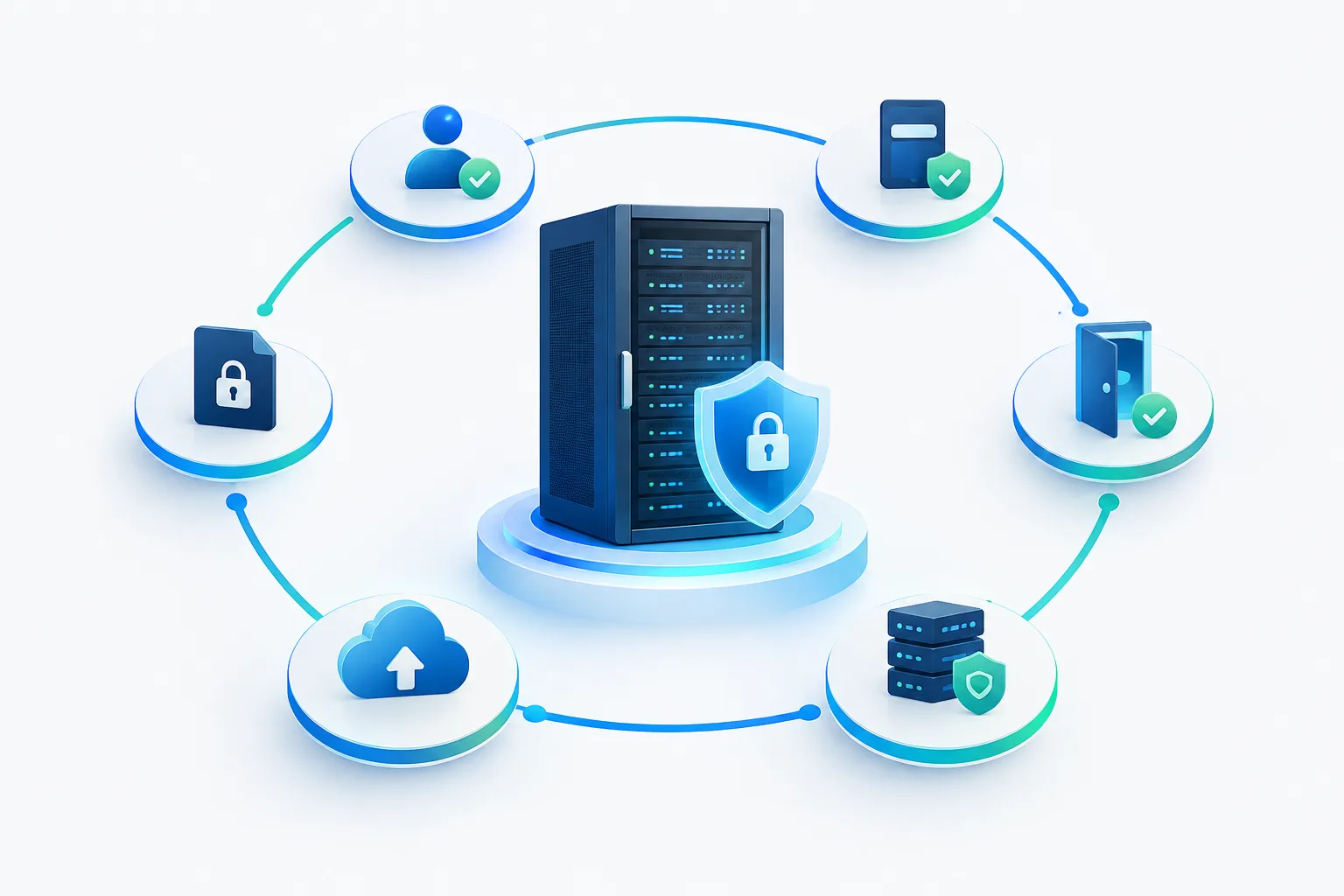
Use least privilege access: give each vendor user only the permissions and system reach needed for the approved task. A vendor supporting one application generally should not automatically receive broad access to unrelated systems or business data.
When setting up access, consider the following:
- Use separate, named accounts. Avoid sharing an employee’s login or a general administrator credential. Named accounts make it easier to understand who accessed a system and to remove one person’s access without disrupting others.
- Choose a suitable role. Prefer a limited support or maintenance role over full administrative access when the task allows it.
- Limit the access path. Where your tools support it, restrict remote access to the relevant systems and approved methods. Avoid giving a vendor a broad route into the network when the work only concerns a specific service.
- Use your available sign-in protections. Record whether multifactor authentication is enabled for the vendor account, particularly for remote access and accounts with elevated permissions.
- Set an end point. Tie access to a contract, project, support need, or review date so it does not remain open by default.
Temporary or emergency access should still have a named approver, a stated reason, and a defined closeout. If an urgent issue requires broader permissions, document why the normal limits were not sufficient and confirm that elevated access is removed or reduced after the work.
Keep a vendor access register
A simple, maintained register can make a vendor account review far more manageable. It can be a protected spreadsheet or another record your organization already uses. The important thing is that someone owns it and updates it when access changes.
For each vendor relationship, consider recording:
- Vendor name and internal business owner
- Named vendor users and any service accounts
- Systems and data the access can reach
- Permission level and approved access method
- Business purpose and approver
- Multifactor authentication status, where applicable
- Access end date or next review point
- Most recent review and any changes made
- Confirmation that access was removed when the work ended
Keep the record useful rather than collecting details no one will maintain. If a vendor has access through a remote management tool, application account, API key, or token, capture that access path too. A list of employee logins alone may miss credentials that continue working behind the scenes.
Review access when the work or risk changes
Set a review rhythm that fits the sensitivity of the systems, the vendor’s role, and the terms of the relationship. Review access at contract or project milestones, when the vendor changes its assigned staff, when permissions are expanded, and when the work concludes. Higher-impact access may call for closer attention than a limited account used for a narrow task.
During a vendor account review, confirm that each account still has a business purpose, belongs to the right person, and has no more access than needed. Check whether the vendor still needs access to each listed system. Ask the internal owner to verify the relationship rather than assuming that an active contract means every account remains necessary.
Record the review date, reviewer, decisions, and follow-up work. If you reduce or remove permissions, note that the change was completed. A short record is more useful than an informal approval that cannot be found later.
Make offboarding part of the work plan
Vendor offboarding should begin when the engagement ends or the need for access changes, not only when someone remembers an old account. Identify who will notify IT, who can confirm the vendor’s work is complete, and who will verify removal.
A vendor access offboarding checklist can include:
- Disable named vendor accounts and remove access from relevant applications.
- Revoke remote-access permissions, including VPN or remote-management access where used.
- Review service accounts, API keys, tokens, and credentials created for the vendor’s work.
- Remove access to shared workspaces, cloud services, network tools, and other systems in scope.
- Change or rotate any shared credentials the vendor was authorized to use, where appropriate.
- Confirm the actions with the business owner and record completion in the vendor register.
For a related process focused on staff departures, see this employee IT offboarding checklist. Some access paths overlap, but vendor closeout should also account for supplier-managed accounts and tools.
Prepare evidence without assuming it guarantees coverage
When preparing for a cyber insurance or customer security review, gather evidence that shows how your process works in practice. Useful records may include the current vendor access register, approval records, access review notes, authentication settings, written procedures, and completed offboarding confirmations. Keep evidence current and make sure it matches the systems your organization actually uses.
Insurance applications and policy terms can differ. Documenting controls does not guarantee coverage, satisfy every insurer, or determine the outcome of a claim. Review the questions you receive and confirm details with the appropriate insurance contact. Zevonix has a separate cyber insurance renewal evidence checklist for organizing related records.
For additional background on supplier risk and access-control practices, consult CISA’s resource guide for developing a resilient supply chain risk management plan and NIST SP 800-171 Revision 3. These references can help inform your approach, but your organization’s obligations depend on its circumstances.
Consider the data involved
If a vendor may access sensitive customer, employee, financial, or operational information, include that exposure in the approval and review. Organizations handling electronic protected health information should align vendor access and termination processes with applicable HIPAA requirements and their business associate arrangements. For specific obligations, involve the organization’s compliance or privacy adviser.
Frequently asked questions
How should a business decide which systems and data a vendor can access?
Start with the vendor’s defined task. List the systems and information needed for that work, then approve the narrowest practical permissions. Revisit the scope if the work changes.
Should vendors have separate accounts instead of shared employee credentials?
Yes, use separate, named accounts whenever the systems support them. Individual accounts make approvals, reviews, and removal more specific and reduce dependence on credentials shared with employees.
How often should a business review vendor accounts?
Choose a review schedule based on access sensitivity and business risk, then also review when staff, scope, permissions, or contract status changes. Record the result and any follow-up.
What should a business do when emergency vendor access is needed?
Document the reason, approver, systems involved, and permissions granted. Limit the access to the urgent task and verify that it is reduced or removed when the work is complete.
Make vendor access a managed process
A clear owner, a useful access register, limited permissions, and deliberate offboarding make vendor access easier to oversee. Start by listing the vendors who can reach business systems, then confirm who approves and reviews each relationship. If you need help organizing access controls or managed IT support, contact Zevonix at (904) 658-0777.