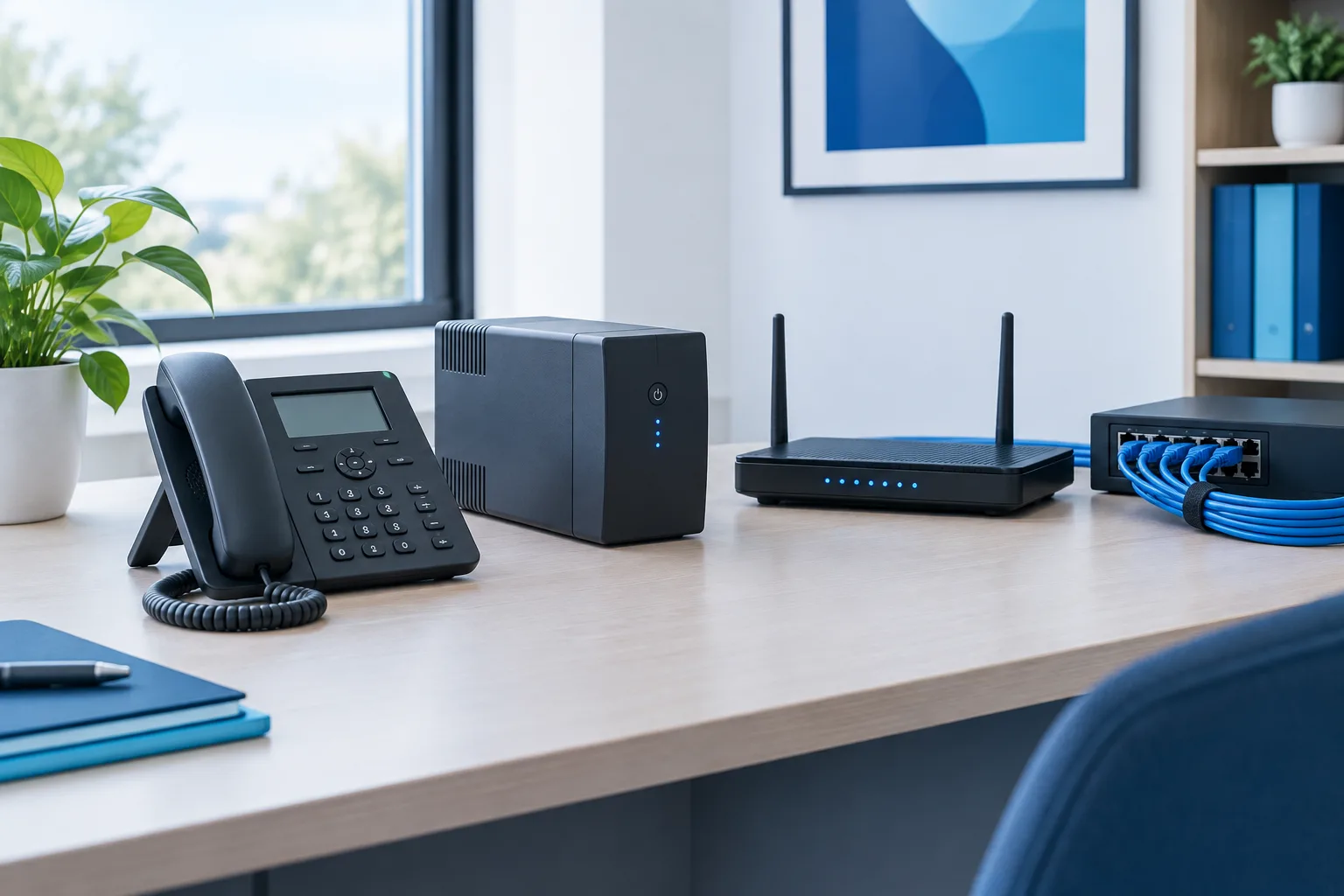
Business VoIP during an internet or power outage can work, fail, or keep receiving calls, depending on which part of the system is disrupted and how it is configured. A cloud phone service may still be running while your office phones are unreachable. Or the phones may have power while the internet connection is down.
The practical question is not just whether your VoIP provider is online. It is whether calls can reach your staff through an available connection and powered equipment. A tested fallback, such as forwarding calls to a reachable mobile phone or alternate location, can help reduce missed calls.
What an outage can affect
Office power loss
Desk phones and network equipment need power. If the office loses power, a powered-down router, switch, or internet modem can take the phones offline even if the provider’s cloud service is operating normally.
Some phones receive power over the network from Power over Ethernet (PoE) switches. In that setup, keeping a desk phone charged is not enough if its switch has no power. You may need backup power for the full connection path, including the modem or optical network terminal (ONT), router, switches, and any PoE equipment your phones use.
Office internet loss
If the office internet connection fails, desk phones that rely on it generally cannot connect to the hosted phone service. Customers may still be able to call your business, but whether those calls reach anyone depends on your provider’s call handling and the fallback settings you have arranged.
Internet failover and call forwarding are different. Internet failover switches your office to another internet connection, if one is available and configured. Call forwarding changes where an incoming call is sent. Forwarding to a mobile phone may still work when office internet is down, but only if your service supports it, it is configured for that situation, and the destination can receive calls.
Local network or provider outage
A failed router, switch, or local network connection can interrupt office phones even when the internet provider’s connection is available. A broader outage at your VoIP provider can affect the service itself. These situations need different responses, so identify who to contact and what fallback is available for each one.
What backup options can help?
Call forwarding to a reachable destination
Ask your phone provider whether it can forward calls during an office outage and what conditions must be met. Confirm the destination number, whether forwarding can be activated remotely or automatically, and what callers hear if the destination is unavailable. If your system supports a mobile VoIP app, test it on the mobile connection your staff would actually use. An app may not help if it depends on the same failed internet connection or the mobile network is also unavailable.
Decide who will answer forwarded calls and how they will handle messages. If calls go to voicemail, assign someone to check it from outside the office and share how urgent calls should be escalated.
Backup power for the equipment chain
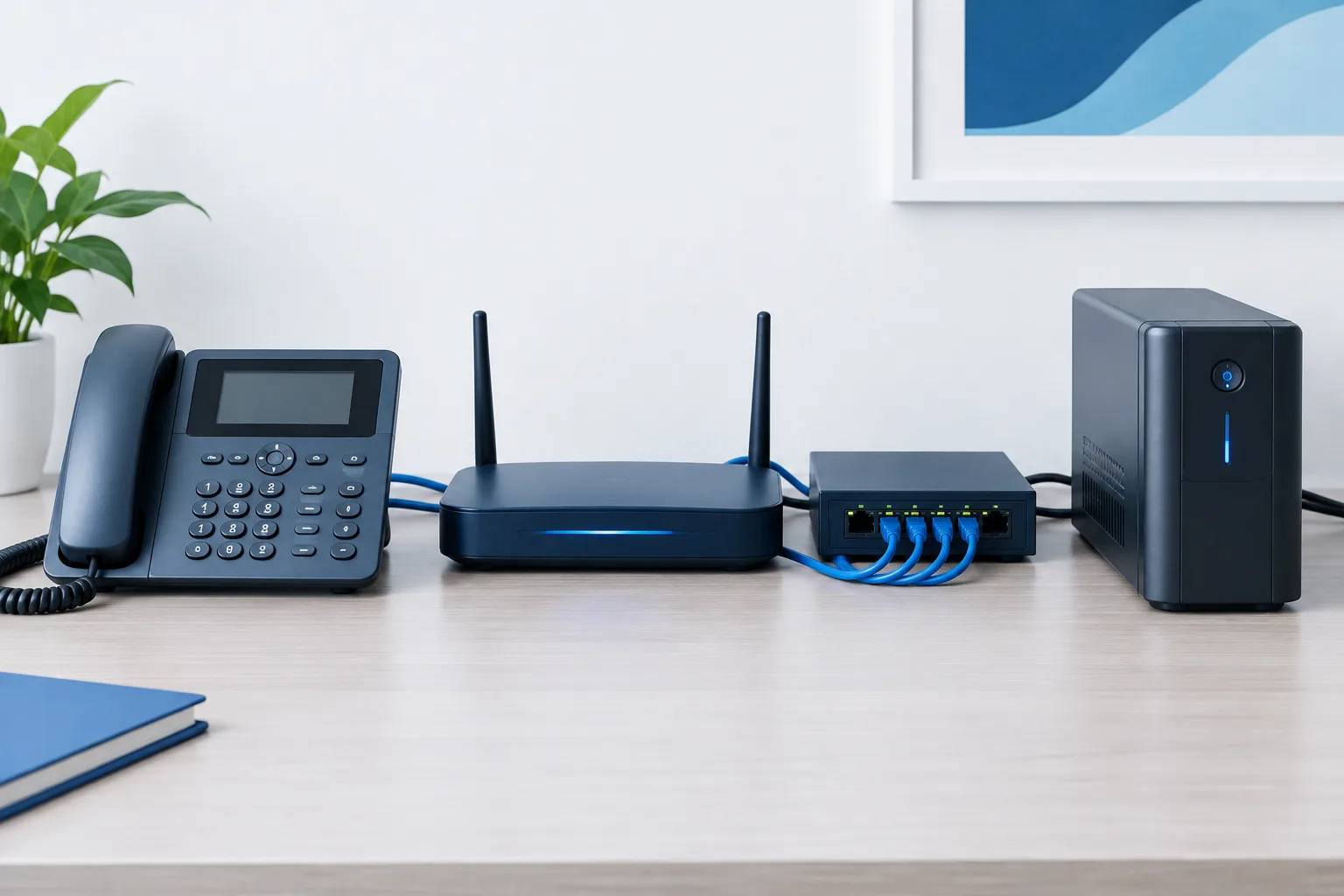
A UPS battery backup can keep connected equipment powered for a period of time, but it does not restore an internet connection that has failed upstream. Make a list of the equipment your phones depend on, then confirm which devices need to be connected to backup power. Test the system under the actual equipment load and check how long it runs. Do not assume that powering one phone keeps the full phone service available.
A second internet connection
A business phone internet failover connection may keep cloud-based phones online when the primary connection is disrupted. Discuss the available options with your internet and phone providers, including how the switch happens and whether your phone equipment is compatible. A second connection is useful only if the route, equipment, and power needed to use it remain available.
Plan for emergency calling
Do not assume that a VoIP phone can reach emergency services during a power or internet outage. Availability can depend on power, connectivity, the phone equipment, and how the service is configured. The FCC discusses continuity of 911 communications in its guidance on 911 communications. Ask your provider how emergency calling works in your specific setup, what happens during an outage, and what staff should do if the phone service is unavailable. Make sure employees know an alternative way to seek help, and do not rely on an untested VoIP route for emergencies.
A practical call-continuity checklist
- Map the path from each phone to the provider, including local network equipment and power sources.
- Ask your provider what happens to incoming calls during an internet, power, local network, or provider outage.
- Choose a reachable mobile number or alternate work location for call forwarding, and confirm how to activate it.
- Decide who will monitor voicemail and respond to messages if the office is closed.
- Identify which equipment needs UPS backup and test the full setup, not just a single phone.
- Test mobile apps and alternate internet connections using the connection and devices staff would use during an outage.
- Review emergency-calling limitations and staff instructions with your provider.
- Write down the steps, contacts, and call-handling responsibilities so staff can follow them during a disruption.
For businesses in Northeast and Central Florida, include phone and internet disruption in storm planning, alongside decisions about employee safety and whether the office will close. The Florida Division of Emergency Management’s business planning resources can help inform your broader preparation. For more on coordinating technology recovery, see this guide to business continuity planning for Northeast Florida companies.
Frequently asked questions
Will business VoIP phones work during a power outage?
Not if the phone or the equipment it depends on loses power. A UPS may keep some or all of the local equipment running, but it cannot guarantee that the internet connection or provider remains available.
What happens to calls when the office internet goes down?
Office phones that rely on that connection may lose service. Incoming calls may still be forwarded elsewhere if your provider supports the feature and it has been configured for the outage scenario.
Can a UPS keep VoIP phones working?
It can provide backup power to connected equipment, subject to its capacity and the equipment load. Include the modem or ONT, router, switches, and PoE equipment as needed, and test the complete setup.
Can a mobile VoIP app work if office internet is down?
It may work if the mobile device has a separate, working connection and the app and phone service are configured for use. Test it in advance rather than assuming it will work during an outage.
How should a Florida business prepare its phone system for a storm-related outage?
Document call forwarding, backup power, alternate connectivity, voicemail coverage, provider contacts, and emergency-calling instructions. Coordinate the phone plan with your wider business continuity and employee safety procedures.
Make your fallback usable before you need it
VoIP continuity depends on more than the desk phone. Power, internet access, local network equipment, provider settings, and staff procedures all matter. Zevonix offers business VoIP and network management services to businesses in Northeast and Central Florida, with local offices in Jacksonville and Palm Coast. Contact Zevonix at (904) 658-0777 to discuss your phone system and outage planning.